
The Dell™ Inspiron™ 518/519 Service Manual provides steps on how to remove and install components in your computer.
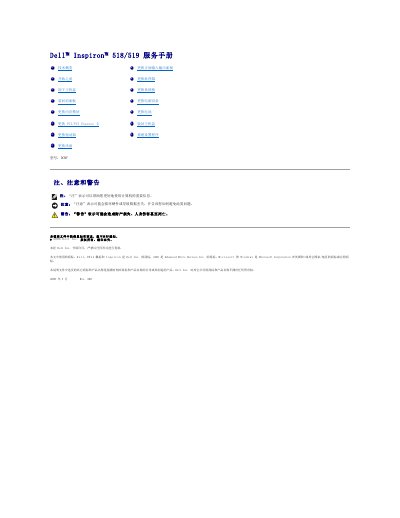
This Dell service manual provides removal and installation procedures for internal components of the Inspiron 518/519 computer, such as the computer cover, memory modules, PCI/PCI Express cards, drives, fans, front I/O panel, processor, system board, power supply, and battery.
It also includes safety instructions, recommended tools, shutdown steps, and system setup program procedures. The manual is written in Chinese and states that only certified repair technicians should service the computer.
A small #2 Phillips screwdriver may be needed to perform the steps in this document.
Touch an unpainted metal surface, such as the metal on the back of the computer, to discharge static electricity.
No. Do not operate the device with any covers removed, including the computer cover, front panel, filler panels, and front panel inserts.
Record the system setup settings, remove the computer cover, press the battery release lever to remove the battery, insert the new battery with the “+” side up, replace the cover, and restore the settings in the system setup program.