
The Dell™ OptiPlex™ 740 User's Guide provides information on how to use and maintain your Dell™ OptiPlex™ 740 desktop computer.
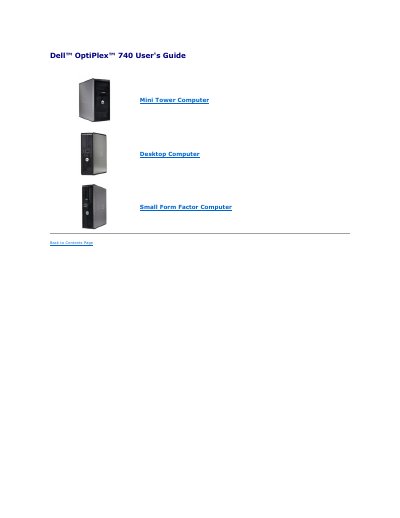
This user's guide provides instructions for the Dell OptiPlex 740 computer, covering advanced features such as LegacySelect technology control and Manageability Alert Standard Format (ASF). LegacySelect allows administrators to electronically activate or deactivate connectors and media devices, while ASF generates alerts for potential security and fault conditions when the system is off or in sleep mode.
The document also details the use of Dell OpenManage IT Assistant for configuring, managing, and monitoring computers on a corporate network. It includes specific instructions on security features like chassis intrusion detection, password protection, and system setup procedures.
| ASF Version Support | version 1.03 and 2.0 |
|---|---|
| System Password Length | up to 32 characters |
LegacySelect technology control offers legacy-full, legacy-reduced, or legacy-free solutions based on common platforms, hard-drive images, and help desk procedures.
ASF is a DMTF management standard that specifies 'pre-operating system' or 'operating system-absent' alerting techniques for potential security and fault conditions.
You can attach a commercially available antitheft device to the security cable slot on the back of the computer.