
This document is a quick start guide for Dell computers, which introduces how to set up and use a Dell computer.
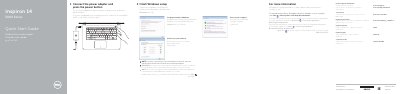
This quick start guide helps users finish Windows setup, set a password, connect to a network, and protect the computer. It also identifies the laptop's ports, controls, and shortcut keys.
The guide lists product support resources and regulatory information for the Inspiron 14 5000 Series, including computer model Inspiron 14-5452.
| Regulatory model | P64G |
|---|---|
| USB 2.0 ports | 2 |
| USB 3.0 port | 1 |
| HDMI port | 1 |
| Headset port | 1 |
| Media-card reader | Included |
| Optical drive | Included |
Connect the power adapter and press the power button.
Click Start, then All Programs, then Dell Help Documentation.
See Specifications at dell.com/support.