
Dell Latitude 12 7000 Series 2-in-1 Quick Start Guide
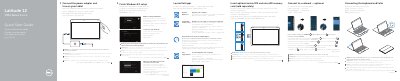
This guide shows how to connect the power adapter, complete Windows 8.1 setup, enable security and updates, connect to a network, sign in, and insert optional micro-SIM and microSD cards. It also explains connecting and disconnecting the keyboard and Folio.
The second part identifies tablet features, lists Dell apps and support resources, and provides regulatory and safety information for the Latitude 12 7275.
| Micro-SIM reader | LTE/HSPA+ models only |
|---|
Insert the micro-SIM card and the microSD card before powering on the tablet.
The keyboard backlight turns on for 2 seconds.
Enter the password for the wireless network access when prompted.