
Venue 10 5000 Series Quick Start Guide

The Venue 10 5000 Series Quick Start Guide provides instructions on how to connect the power adapter, turn on the tablet, finish Android setup, and register the tablet.
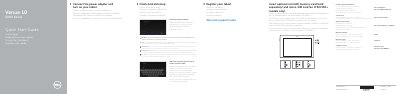

Venue 10 5000 Series Quick Start Guide - cover page
Brand
DELL
Category
Tablets
Document type
Quick Start Guide
Language
English
Pages
2
File format
PDF
File size
196 KB
Published
19 November, 2023
Updated
19 November, 2023
MD5 checksum
79A082CDFAB395C62EF2AAB481C9A5B6

About this manual

This document is a Quick Start Guide for the Dell Venue 10 5050 tablet. It provides instructions for connecting the power adapter, setting up the device, and registering the tablet. The guide includes multilingual text in English, Dutch, French, German, and Spanish.

What's inside

  • Connect the power adapter
  • Android setup
  • Register your tablet
  • Features
  • Connecting the keyboard
  • Disconnecting the keyboard

Specifications

Operating SystemAndroid
ConnectivityWi-Fi / WWAN

Frequently asked questions

Does this tablet support LTE/HSPA+?

Yes, but only specific models include a Micro-SIM reader for LTE/HSPA+.

Is the keyboard dock included?

No, the keyboard dock is an optional accessory.

Download PDF (196 KB)

More DELL Manuals


View all DELL manuals →