
The Dell Studio™ 1555 Service Manual provides information on how to service and maintain the Dell Studio™ 1555 laptop.
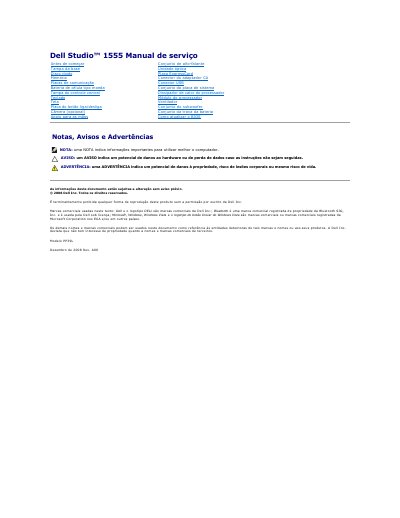
This document serves as a service manual for the Dell Studio 1555 laptop, model PP39L. It provides detailed procedures for the removal and installation of various internal hardware components, such as the base cover, hard drive, memory modules, battery, and system board. The guide includes specific safety warnings and recommended tools required for these tasks. This manual is written in Portuguese.
The recommended tools include a small screwdriver, a Phillips screwdriver, a small plastic stylus, and a BIOS update CD.
Insert the BIOS update CD, turn on the computer, and follow the on-screen instructions. The computer will automatically restart when the update is complete.
Ensure the computer is off, disconnect the AC adapter, remove the battery, and discharge static electricity from your body using an anti-static wrist strap or by touching an unpainted metal surface.