
The Dell Latitude 3490 Quick Start Guide introduces the features and functions of the Dell Latitude 3490 laptop.
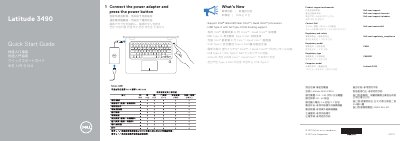
This quick start guide for the Dell Latitude 3490 explains connecting the power adapter and pressing the power button, and lists product support and manual resources. It also provides regulatory and safety information, including rated electrical input values.
The guide highlights new features such as support for Intel's latest 8th Gen Core i Quad Core processors and USB Type-C with full Type-C Dell docking support. It identifies 24 numbered external features, including ports, slots, indicators, camera, microphones, touchpad, and speakers. This manual is written in Chinese.
| Rated voltage | 100-240 V AC |
|---|---|
| Rated frequency | 50-60 Hz |
| Rated input current | 1.6 A / 1.7 A |
Connect the power adapter, then press the power button.
Dell lists product support at Dell.com/support and manuals at Dell.com/support/manuals.
The guide lists support for Intel's latest 8th Gen Core i Quad Core processors.
The guide numbers 24 external features.