
Quick Start Guide for Dell laptop.
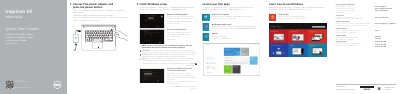
This Dell Quick Start Guide helps users set up the Inspiron 14 3000 Series laptop, connect the power adapter, finish Windows setup, locate Dell apps, and register the computer. It applies to computer models Inspiron 14-3441, Inspiron 14-3442, and Inspiron 14-3443.
The guide also identifies laptop features and ports, including the camera, microphone, HDMI, USB, network, headset, media-card reader, optical drive, and power button. Shortcut keys for audio, volume, brightness, wireless, display switching, and other functions are listed.
| HDMI port | Listed feature |
|---|---|
| USB 3.0 port | Listed feature |
| Optical drive | Listed feature |
It covers Inspiron 14-3441, Inspiron 14-3442, and Inspiron 14-3443.
Support and manuals are available at dell.com/support and dell.com/support/manuals.
Enter the password for the wireless network access when prompted.