
The Dell Inspiron 1010 laptop is a thin and light laptop that features a 10.1-inch display and weighs only 1.1 kilograms. It is powered by an Intel Atom processor, has 2GB of memory and a 160GB hard drive. The Dell Inspiron 1010 laptop also features Bluetooth, Wi-Fi and a webcam.
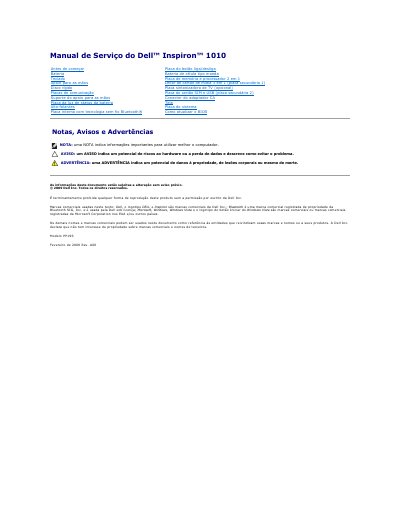
This Dell service manual is written in Portuguese and covers the Inspiron 1010 laptop. It provides removal and replacement procedures for internal components such as the battery, keyboard, hard drive, and system board.
The document includes safety warnings, electrostatic discharge precautions, a list of recommended tools, and instructions for shutting down the computer before service. It also describes how to update the BIOS.
The manual lists a small screwdriver, Phillips screwdriver, plastic pry tool, and a BIOS update CD or executable BIOS update program from the Dell support website.
The procedures may require a small flathead screwdriver, a Phillips screwdriver, a plastic scribe, and a BIOS update CD or executable from Dell support.
Save and close all open files, exit open programs, then disable the operating system; if the computer and connected devices do not turn off automatically, press and hold the power button.
Use a level, clean work surface; shut down the computer; disconnect phone and network cables; eject installed memory cards; disconnect power; remove the battery; then open the display and press the power button to ground the system board.