
Inspiron 14 5000 Series Notebook Quick Start Guide.
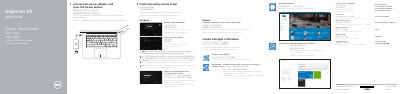
This quick start guide provides step-by-step instructions for setting up the Dell Inspiron 14 5000 Series notebook. It covers connecting the power adapter, completing the operating system setup, connecting to a network, and signing in to a Microsoft account or creating a local account.
The guide also illustrates the notebook's features, including ports, camera, microphones, status lights, and shortcut keys for audio, display, brightness, wireless, and function-key lock. It directs users to Dell support resources for drivers, manuals, warranty registration, and regulatory information. This manual is written in Chinese.
| Video output | HDMI port |
|---|---|
| Network | RJ45 network port |
| Card reader | Media-card reader |
| Audio | Headset port |
| Security slot | Kensington security-cable slot |
Enter the password for the wireless network access when prompted.
Locate Dell apps in Windows using the Start menu or Dell folder.
It is shown as item 18 on the features diagram.