
The Dell Studio™ 1745/1747 Service Manual provides information on how to service the Dell Studio™ 1745/1747 notebook computer.
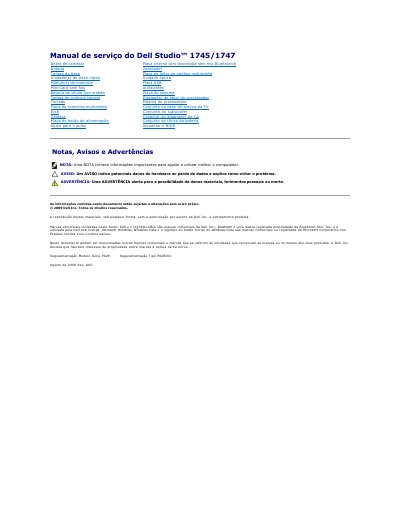
This service manual covers removal and installation procedures for components in the Dell Studio 1745/1747 notebook. It includes safety warnings, recommended tools, shutdown steps, and before-you-begin instructions.
The listed procedures include items such as the AC adapter connector, base cover, battery latch assembly, and other internal components, with step-by-step removal and replacement instructions. This manual is written in Portuguese.
Only a qualified and specialized technician should perform repairs.
The procedures may require a small screwdriver, Phillips screwdriver, pointed plastic tool, and a BIOS update CD or executable.
Save and close all open files, exit all programs in use, and shut down the operating system.