
Dell Precision M6400 Service Manual

The Dell™ Precision™ M6400 Service Manual provides information on how to troubleshoot and repair your Dell™ Precision™ M6400 laptop.
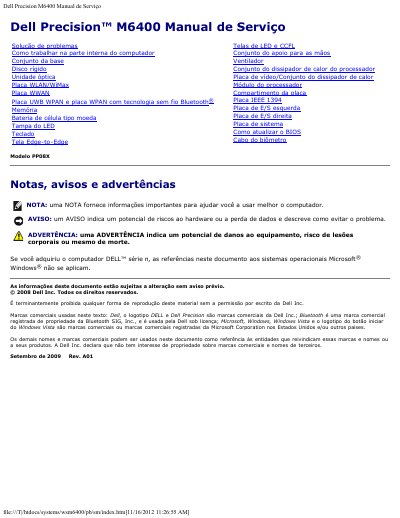

Dell Precision M6400 Service Manual - cover page
Brand
DELL
Category
Laptops
Document type
Service Manual
Language
Portuguese
Pages
82
File format
PDF
File size
1.4 MB
Published
19 November, 2023
Updated
19 November, 2023
MD5 checksum
9A5D836C0655333F093398B2E3334D14

About this manual

This Dell service manual covers the Precision M6400 computer and provides troubleshooting procedures, diagnostic light codes, and instructions for working inside the computer. It is written in Portuguese and includes safety notices for technicians.

The document lists replaceable components such as the hard drive, memory, keyboard, display, fan, processor module, video card, system board, and I/O boards, and explains how to update the BIOS and run Dell Diagnostics.

What's inside

  • Troubleshooting
  • Working inside your computer
  • Hard drive
  • Memory
  • Keyboard
  • Display
  • Fan
  • Processor module
  • System board
  • Updating the BIOS

Frequently asked questions

What should you do before working inside the computer?

Follow the safety instructions provided with the computer.

How do you start Dell Diagnostics from the hard drive?

Press and hold the key, then turn on the computer.

What do the keyboard status lights show during normal operation?

They show the current status of Num Lock, Caps Lock, and Scroll Lock.

What information does a note provide?

It provides important information to help you use the computer better.

Download PDF (1.4 MB)

More DELL Manuals


View all DELL manuals →