
The Dell Latitude 7390 Quick Start Guide introduces the features and specifications of the product.
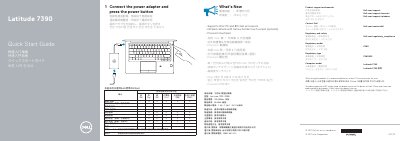
This Quick Start Guide provides basic instructions for the Dell Latitude 7390 computer, including connecting the power adapter and pressing the power button.
It also lists Dell product support and manuals, contact information, regulatory and safety details, and the computer's model and regulatory identifiers.
| Processor support | Intel 7th and 8th Gen processors |
|---|---|
| Camera | Infrared camera with narrow border touch screen (optional) |
| Display distance | At least 2.5 cm from body |
| USB port | USB 3.1 Gen 1 port with PowerShare |
| DisplayPort | DisplayPort over USB Type-C (optional Thunderbolt 3) |
| Security lock slot | Noble Security Lock Slot |
| Smartcard reader | Smartcard reader (optional) |
Connect the power adapter and press the power button.
Visit Dell.com/support or Dell.com/support/manuals for product support and manuals.
It supports Intel 7th and 8th Gen processors.
The smartcard reader is optional.