
The Dell Latitude 5590 Quick Start Guide provides information on how to use the Dell Latitude 5590 laptop.
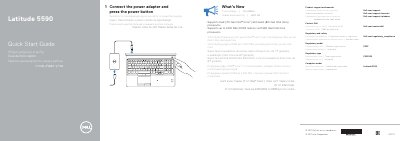
This document serves as a Quick Start Guide for the Dell Latitude 5590 laptop. It provides multilingual instructions on connecting the power adapter and pressing the power button to begin using the device. The guide also directs users to Dell's support website for further assistance.
| Processor Support | Dual (7th Gen Intel Core) and Quad (8th Gen Intel Core) processors |
|---|---|
| Memory Support | Up to 2400 MHz DDR4 memory |
| Power Connector | Power connector port |
Connect the power adapter and press the power button.
Visit Dell.com/support or Dell.com/support/manuals.