
Dell Inspiron 910 Service Manual

Dell™ Inspiron™ 910 Service Manual Laptop
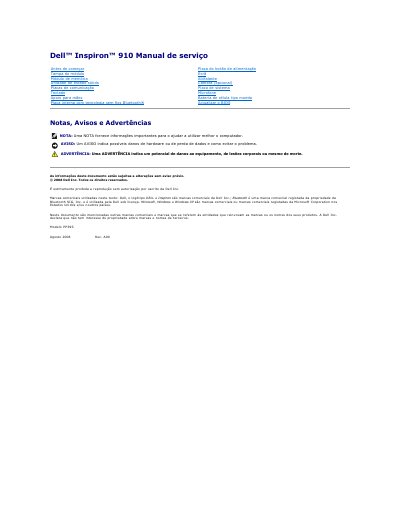

Dell Inspiron 910 Service Manual - cover page
Brand
DELL
Category
Laptops
Document type
Service Manual
Language
Portuguese
Pages
37
File format
PDF
File size
1.1 MB
Published
19 November, 2023
Updated
19 November, 2023
MD5 checksum
E9ADD314D191F7FA4FBC3C239ED6A83A

About this manual

This document is a service manual for the Dell Inspiron 910 laptop, written in Portuguese. It provides instructions for removing and installing internal components such as the system board, memory module, and hard drive. The manual also includes safety warnings and procedures for powering down the device before opening the case.

What's inside

  • Antes de começar
  • Ferramentas recomendadas
  • Desligar o computador
  • Antes de trabalhar no interior do computador
  • Actualizar o BIOS
  • Retirar a tampa do módulo
  • Voltar a colocar a tampa do módulo

Frequently asked questions

What tools are recommended for removing and installing components?

The recommended tools are a small screwdriver, a Phillips screwdriver, and a BIOS update program CD.

How should a cable be disconnected to avoid damage?

Pull the connector or tab, not the cable itself, and press locking tabs if present.

Download PDF (1.1 MB)

More DELL Manuals


View all DELL manuals →