
Dell Inspiron 410 Service Manual

The Dell™ Inspiron™ 410 Service Manual provides information on how to use and maintain your Dell™ Inspiron™ 410 laptop.
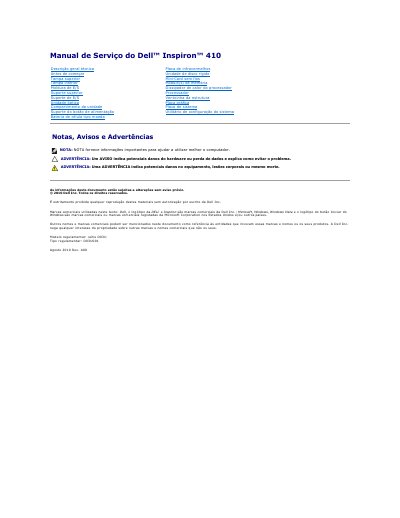

Dell Inspiron 410 Service Manual - cover page
Brand
DELL
Category
Desktops
Document type
Service Manual
Language
Portuguese
Pages
45
File format
PDF
File size
1 MB
Published
19 November, 2023
Updated
19 November, 2023
Model
D03U
MD5 checksum
FBC229E156A392A164A5D62E84ADB7EC

About this manual

This document is the Service Manual for the Dell Inspiron 410 computer, specifically model D03U. It provides detailed instructions for qualified technicians regarding the removal and installation of internal components. The manual covers safety precautions, required tools, and step-by-step procedures for accessing various parts of the system. This manual is written in Portuguese.

What's inside

  • Antes de começar
  • Ferramentas recomendadas
  • Desligar o computador
  • Instruções de segurança
  • Remover a tampa inferior
  • Voltar a colocar a tampa inferior
  • Remover a Mini-Card sem fios
  • Voltar a colocar a Mini-Card

Frequently asked questions

What tools are required to remove and install components in this computer?

The procedures may require a small Philips screwdriver, a hex key, a flathead screwdriver, and an executable BIOS update program.

How should a Mini-Card be inserted into the system board connector?

Insert the Mini-Card at a 45-degree angle into the system board connector, then press the other end down.

What is the color scheme for the WLAN antenna cables on the supported Mini-Card?

The main WLAN cable is white and the auxiliary WLAN cable is black.

Download PDF (1 MB)

More DELL Manuals


View all DELL manuals →