
Dell Inspiron 560s Service Manual

The Dell™ Inspiron™ 560s Service Manual provides information on how to use and maintain your Dell™ Inspiron™ 560s laptop.
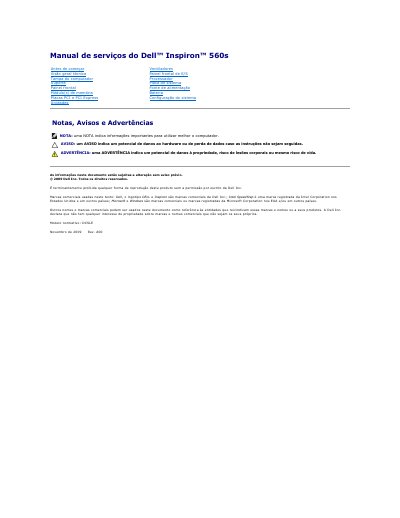

Dell Inspiron 560s Service Manual - cover page
Brand
DELL
Category
Desktops
Document type
Service Manual
Language
Portuguese
Pages
43
File format
PDF
File size
1 MB
Published
19 November, 2023
Updated
19 November, 2023
MD5 checksum
A4743DACFF99D67AAA806307B4327539

About this manual

This service manual provides technical procedures for the removal and installation of components in the Dell Inspiron 560s computer. It covers safety instructions, required tools, and step-by-step guides for accessing the internal chassis. This manual is written in Portuguese.

What's inside

  • Before you begin
  • Technical specifications
  • Recommended tools
  • How to shut down the computer
  • Safety instructions
  • Front panel
  • Support
  • PCI and PCI Express cards

Frequently asked questions

How do I remove a PCI Express x16 expansion card?

Press the locking mechanism down, hold the card by the top corners, and remove it from the connector.

What must I do before working inside the computer?

Disconnect the computer from the electrical outlet to avoid electrical shock.

Why is it necessary to install a filler bracket in an empty slot?

It is required to maintain the computer's FCC certification and to protect against dust and dirt.

Download PDF (1 MB)

More DELL Manuals


View all DELL manuals →