
Dell Inspiron 1210 Notebook Service Manual.
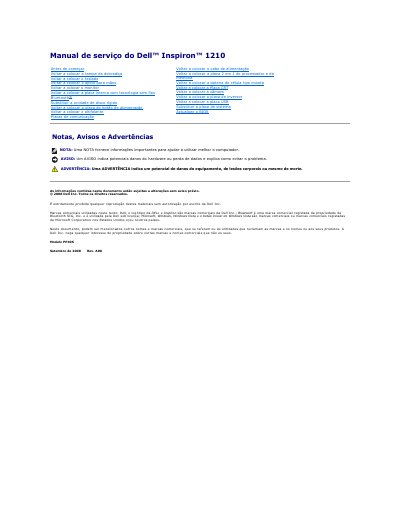
This document provides service procedures for the Dell Inspiron 1210 notebook. It details the recommended tools, safety precautions, and step-by-step instructions for powering down the system and removing the main battery before working inside the computer.
The guide includes specific procedures for replacing various components such as the hard drive, system board, and monitor. It also covers the process for updating the BIOS from a CD or the hard drive, including specific steps for the Ubuntu operating system. This manual is written in Portuguese.
The procedures may require a small flathead screwdriver, a Phillips screwdriver, a pointed plastic instrument, and a Flash BIOS update program CD.
This manual covers the Dell Inspiron 1210 notebook with model number PP40S.
You must remove the main battery before performing any computer assistance to avoid damaging the system board.