
The manual of CASIO watch, introduces the features and functions of the watch.
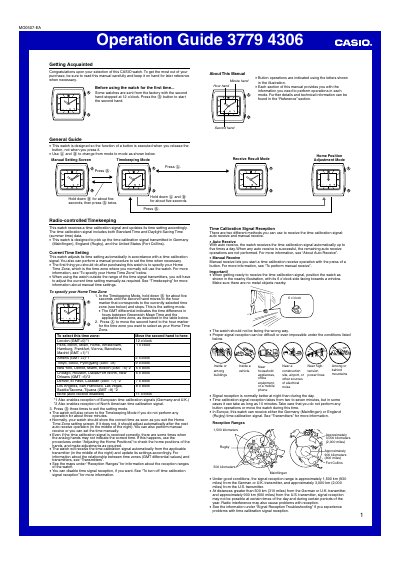
This Operation Guide covers the features and functions of the CASIO MO0507 radio-controlled watch. It details how to get acquainted with the watch, including starting the second hand and understanding button operations. The manual explains the different modes available, such as Timekeeping Mode, Adjustment Mode, and Receive Result Mode.
| Signal Reception Range (Germany/U.K.) | approximately 1,500 km (930 miles) |
|---|---|
| Signal Reception Range (U.S.) | approximately 3,000 km (2,000 miles) |
| Auto Receive Frequency | up to five times a day |
| Signal Reception Duration | two to seven minutes |
In the Timekeeping Mode, hold down the Home button until the second hand moves to the selected time zone, press the Mode button until the second hand points to 11 o'clock, then press the Home button three times to exit.
If the second hand points to the "Y" area (22 seconds) in the Receive Result Mode, it means the reception was successful.