
Key facts
- Brand
- ENERMAX
- Model
- ECA3310
- Category
- Other Computer Accessories
- Documents
- 2
- Languages
- ZH · EN
- Last added
- 2026-11-12
Start here
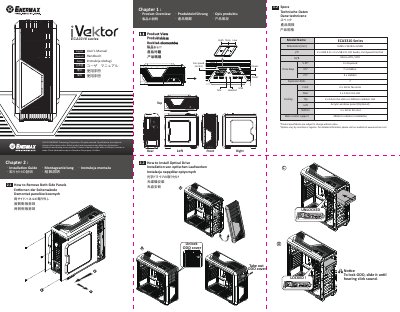
ENERMAX ECA3310 Series Case User's Manual
User Manual 2 pages · 2.8 MB · ZH
This manual covers the ENERMAX ECA3310 series case, including product views, specifications, and installation steps for side panels, drives, add-on cards, fans, and radiators.
It also describes cable connections, suggested CPU cooler height and VGA card length, and support contact information. This manual is written in Chinese.
Enermax ECA3310 specifications
| Dimensions | D495 x W234 x H508 mm |
|---|---|
| I/O ports | 2 x USB 3.0 + 2 x USB 2.0, HD Audio, Fan Speed Control |
| Motherboard support | Micro ATX / ATX |
| Drive bays | 3 x 5.25-inch exposed, 7 x 3.5-inch hidden, 4 x 2.5-inch hidden |
| Cooling | Front 2 x 12 cm fan slots, rear 1 x 12 cm fan slot, top 2 x 12 cm fan slots or 240 mm radiator slot |
| Water cooler support | 240 mm radiator installation |
All Enermax ECA3310 documents by type
User Manual 2
Day-to-day operation, settings and troubleshooting. Start here if the product is already set up.
Questions answered in these manuals
How do I lock an optical drive?
Slide the optical drive until you hear a click sound.
What should I check before connecting motherboard connectors?
On some motherboards, connectors may differ from the drawings, so check the motherboard manual before installing.
What are the dimensions of the Enermax ECA3310 chassis?
The dimensions are 495mm in depth, 234mm in width, and 508mm in height.
What I/O ports are available on the front panel?
The front panel includes 2 x USB 3.0, 2 x USB 2.0, HD Audio, and Fan Speed Control.