
Novatech Controls HBC-43 Hot Bonding Controller Routine Calibration And Operational Check
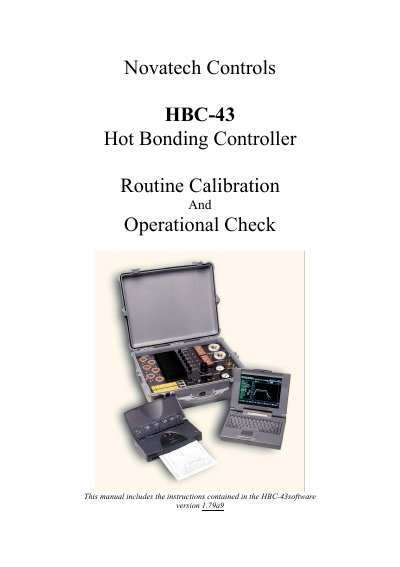
The Novatech Controls HBC-43 is a hot bonding controller designed for accurately programming and controlling temperature and vacuum/pressure for composite material adhesives. It consists of a control case containing electronics, a vacuum pump, and a notebook PC interface. The device requires calibration every 12 months to maintain accuracy, particularly for the critical cold junction temperature and thermocouple inputs.
This document details the procedure for performing a complete re-calibration and functional check of the electronic systems. The process is conducted via a PC terminal program (Terminal or HyperTerminal) communicating with the control case over an RS232 line. Key steps include calibrating the cold junction temperature, adjusting thermocouple zero and span, checking vacuum transducer inputs, and verifying power outputs.
| Calibration Interval | every 12 months |
|---|---|
| Power Source | 415vac |
| Communication Interface | RS232 line |
| Software Version | 1.79a9 |
The instrument must be checked every 12 months to ensure accuracy.
The power source for the instrument is 415vac.
Turn the power OFF, undo the screws, lift the panel, press and hold the button on the PCB, then turn the power ON.