
Novatech Controls HBC-4301A Hot Bonding Controller Operators Manual

This manual introduces the functions, specifications and usage of HBC-4301A Hot Bonding Controller
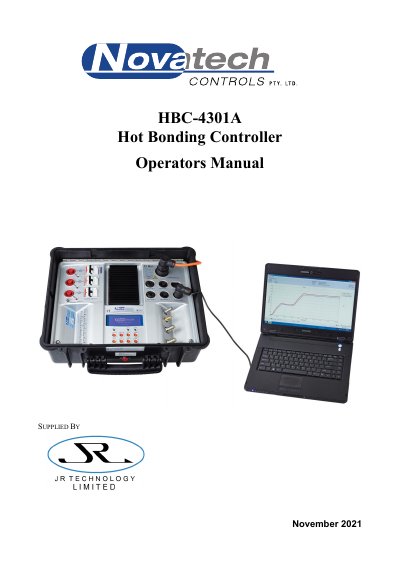

Novatech Controls HBC-4301A Hot Bonding Controller Operators Manual - cover page
Brand
Novatech CONTROLS
Category
Industrial Supply
Document type
User Manual
Language
English
Pages
103
File format
PDF
File size
1.7 MB
Published
19 October, 2023
Updated
19 October, 2023
MD5 checksum
B6FA63179582BBEC80C89F506566DA03

About this manual

The document is the Operators Manual for the Novatech Controls HBC-4301A Hot Bonding Controller. It details the procedures for getting started, including hardware connections and software installation. The guide explains how to configure thermocouples and zones, create temperature cycles, and manage vacuum pumps via the control case and PC software.

What's inside

  • Getting Going Fast
  • Introduction
  • Specifications
  • Starting
  • Configuring Thermocouples and Zones
  • Creating a Temperature Cycle
  • Vacuum Pumps
  • Monitoring the Operation
  • Troubleshooting Guide
  • Maintenance

Specifications

Software Version1.5.9
Control Case Software Version2.16

Frequently asked questions

What are the default operator name and password?

If starting the program for the first time, the Operator name will be 'Default' and the password will be 'password'.

How do you start a heat cycle immediately?

Select the cycle and press 'S' to go to the Immediate / Auto window, then press the Enter key to start the cycle.

What should be done if a zone does not heat up?

Consult the Troubleshooting Guide section for specific solutions to the issue where a zone does not heat up.

Download PDF (1.7 MB)

More Novatech CONTROLS Manuals


View all Novatech CONTROLS manuals →