
HBC-4301A Hot Bonding Controller Calibration Manual, introduces the calibration process, hardware requirements, date/time settings, temperature sensor calibration, vacuum and pressure sensor calibration, power output levels and vacuum pump calibration, safety checks, etc.
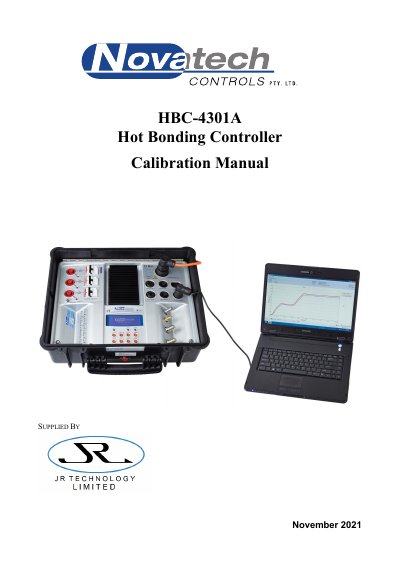
This manual provides detailed instructions for calibrating the Novatech Controls HBC-4301A Hot Bonding Controller. It covers power supply checks, setting date/time, thermocouple and sensor calibration, and safety procedures. Calibration is performed using the front panel keypad and display, with specific equipment required for each step. The procedure ensures accurate temperature and pressure measurements for reliable bonding operations.
The manual includes sections on accessing the calibration menu, reference voltage settings, cold junction calibration, vacuum and pressure sensor calibration, and safety checks. It also explains how to perform a cold-start to reset factory defaults, though this is discouraged unless necessary. Calibration data is stored in battery-backed memory and must be re-established after a cold-start.
| Thermocouple Accuracy | 0.1°C |
|---|---|
| Ambient Temperature Sensor Accuracy | ±0.15°C @ 0°C |
| Digital Multimeter Accuracy | 0.05% ± 1 digit |
| Vacuum Measuring Instrument Accuracy | 0.5% ± 1 digit |
| Pressurised Air Supply | 500kPa ±5kPa |
The manufacturer recommends calibration every 12 months.
Press and hold the Setup Key while turning on the power until 'Calibration Menu Enabled' appears, then release and wait for initialization. Hold the Setup Key again until 'Entering Calibration Menu' appears.
A cold-start resets all calibration settings and menu options to factory defaults, removing all user-defined calibration data.