
The Surveyor HD is a compact network dome consisting of a camera or lens and an actuator for pan or tilt motion in an attractive enclosure. The Surveyor HD is sold in a range of pre-packaged configurations with various lens options.
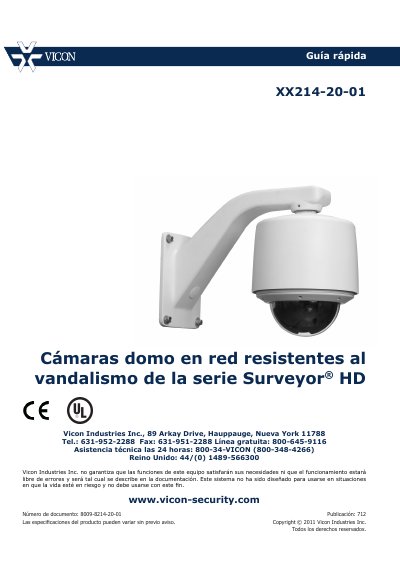
This document serves as a quick operation guide for the Vicon Surveyor HD series of vandal-resistant network dome cameras. It provides general information on installation methods, including ceiling, hanging, and pressurized configurations, and highlights the camera's compatibility with H.264/M-JPEG compression and ONVIF standards. The guide notes that for detailed installation and web browser configuration, users should consult the separate Installation (XX214-0X) and Web Browser (XX214-4X) manuals. This manual is written in Spanish.
| Resolution | 1.3 megapíxeles |
|---|---|
| Compression | H.264 o M-JPEG |
| Power Supply (Indoor) | PoE+ |
| Power Supply (Outdoor) | 24 V de CA |
| Max Users | 10 |
The default username is admin and the password is password.
Yes, the dome supports the open architecture connectivity of ONVIF for integration with other software recording solutions.