
Key facts
- Manuals
- 1
- Languages
- EN
- Last added
- 2023-10-19
Featured Vicon manuals
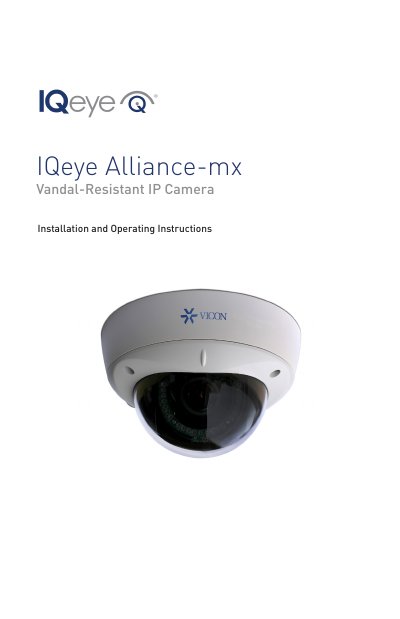
Vicon IQeye Alliance-mx Vandal-Resistant IP Camera Installation and Operating Instructions
This manual provides installation and operating instructions for the Vicon IQeye Alliance-mx Vandal-Resistant IP Camera. It details the unpacking process, service contact information, and a description of the camera's features, including support for up to 5MP resolution, H.264 video streaming, and built-in IR. The device is constructed from cast aluminum with a polycarbonate bubble and is rated IP66 (NEMA 4) for indoor and outdoor use.
Covers: Unpacking · Service · Description · Installation · Parts List · Mounting Options
Latest Vicon manuals
Vicon IQeye Alliance-mx Vandal-Resistant IP Camera Installation and Operating Instructions
User Manual 16 pages · 1.9 MB · ENInstallation and operating instructions for the Vicon IQeye Alliance-mx vandal-resistant IP camera, covering setup, mounting, and configuration.
Which document do I need?
User Manual
Day-to-day operation, settings and troubleshooting. Start here if the product is already set up.
Questions answered in Vicon manuals
What are the default login credentials for the camera?
The default user name is 'root' and the default password is 'system'.
From: Vicon IQeye Alliance-mx Vandal-Resistant IP Camera Installation and Operating Instructions
How do you perform a factory reset on the camera?
Press and hold the 'Reset' button for 15 seconds.
From: Vicon IQeye Alliance-mx Vandal-Resistant IP Camera Installation and Operating Instructions