
This manual provides installation and operating instructions for the Vicon Industries IQeye Alliance-mx Vandal-Resistant IP Camera.
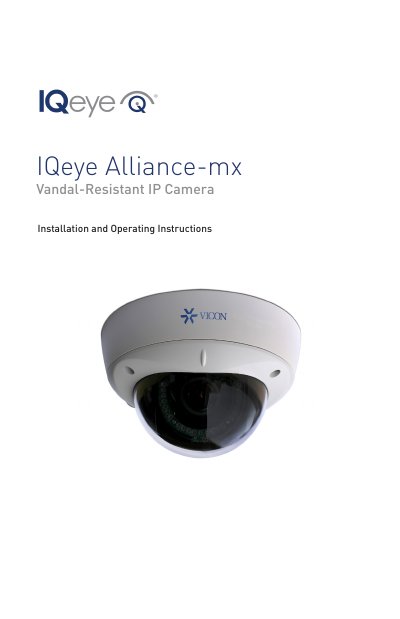
This manual provides installation and operating instructions for the Vicon IQeye Alliance-mx Vandal-Resistant IP Camera. It details the unpacking process, service contact information, and a description of the camera's features, including support for up to 5MP resolution, H.264 video streaming, and built-in IR. The device is constructed from cast aluminum with a polycarbonate bubble and is rated IP66 (NEMA 4) for indoor and outdoor use.
| Resolution | up to 5MP |
|---|---|
| Video Profile | Main profile H.264 |
| Frame Rate | up to 30 frames-per-second |
| Protection Rating | IP66 (NEMA 4) |
| Material | cast aluminum with a polycarbonate bubble |
The default user name is 'root' and the default password is 'system'.
Press and hold the 'Reset' button for 15 seconds.
A supplied Torx T-20 security wrench is required to loosen the tamper-proof screws.