
The Dell Inspiron 1545 manual provides detailed information about the notebook, including specifications, features, and usage instructions.
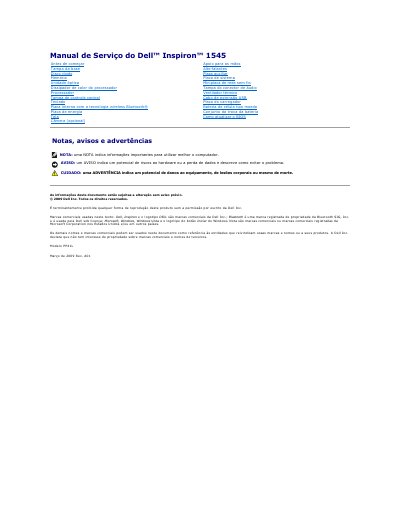
This Dell Inspiron 1545 service manual is in Portuguese and describes safety steps, recommended tools, shutdown, and preparation before working inside the notebook.
It also provides removal and reinstallation procedures for components such as the base cover, battery latch assembly, and audio connector cover, with warnings about electrostatic discharge and warranty restrictions. This manual is written in Portuguese.
Only an accredited technician should perform repairs; damage from unauthorized labor is not covered by the warranty.
Follow the safety instructions, work on a level clean surface, shut down the computer, disconnect cables, remove the battery, and press the power button to ground the system board.
Verify the computer is off, remove the battery, loosen the four captive screws, and remove the cover at the angle shown.
A small flathead screwdriver, Phillips screwdriver, processor extraction tool, and BIOS update CD may be required.