
Mathematica is a powerful mathematical computation software that can easily solve various mathematical problems.
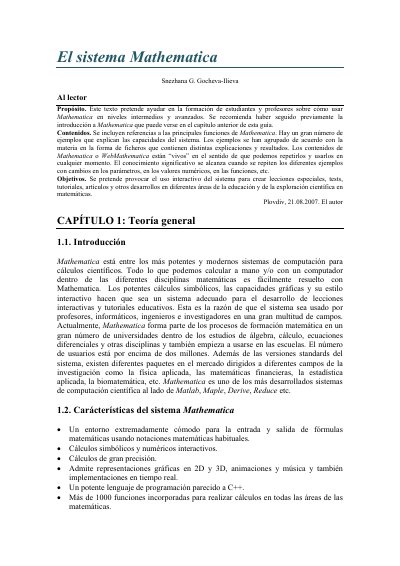
This Spanish-language guide by Snezhana G. Gocheva-Ilieva is intended to help students and teachers use Mathematica at intermediate and advanced levels, assuming a prior introduction to the system. It presents a large number of examples grouped by subject, meant to be repeated and modified interactively.
The text covers the system's characteristics, basic rules (notebooks, cells, input and output, calculation precision), special symbols and operations, mathematical constants and functions, and elements of algebra such as expression transformations. Its stated goal is to encourage interactive use of the system for lessons, tests, tutorials and scientific exploration. This manual is written in Spanish.
| Notebook file extension | .nb |
|---|---|
| Built-in functions | More than 1000 |
| Default calculation precision | 6 decimal places |
| Graphics support | 2D and 3D representations, animations and sound |
Notebooks are files with the .nb extension, such as prueba.nb.
Input cells are executed by pressing SHIFT+ENTER.
Mathematica includes more than 1000 built-in functions for calculations in all areas of mathematics.
By default, calculations are performed with 6 decimal places; the N command can set an arbitrary number of digits.