
This document is a calibration and usage manual for a laser projection keyboard kit.
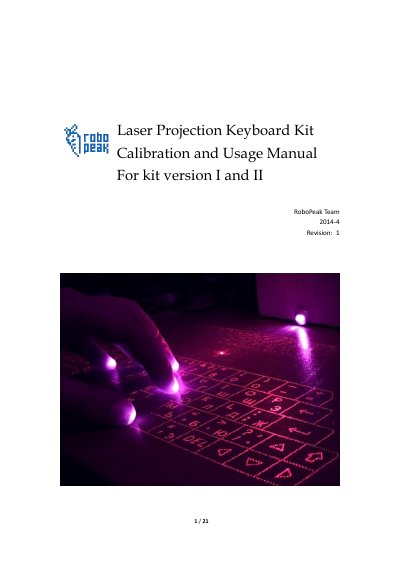
The Laser Projection Keyboard Kit by RoboPeak Team is an open-source laser keyboard project for kit versions I and II. After assembly and calibration, the kit works like a standard keyboard on PC/Mac with RoboPeak's signal processing software, and can also function as a multi-touch pad.
The manual guides users through power-on checks, camera focus adjustment, projected keyboard pattern calibration, camera angle adjustment, linear laser adjustment, and final calibration. It also explains the signal processing software UI, multi-language support, keyboard and multi-touch pad modes, calibration mode, command lines, and parameter tuning.
| Operating system support | Windows and MacOS(Intel x64 only) |
|---|---|
| Multi-touch input points | up to 10 points |
| Connection interface | micro-usb cable |
| Default camera exposure value | -7 |
It supports Windows and MacOS(Intel x64 only) platforms and no pre-installation is required.
It supports up to 10 points' multi input sketch pad.
A micro-usb cable is used to connect the kit with a PC/Mac.
The exposure value is set to -7.