
This manual provides instructions for connecting, configuring, and troubleshooting the RoboPeak Mini USB Display with various Mini PCs.
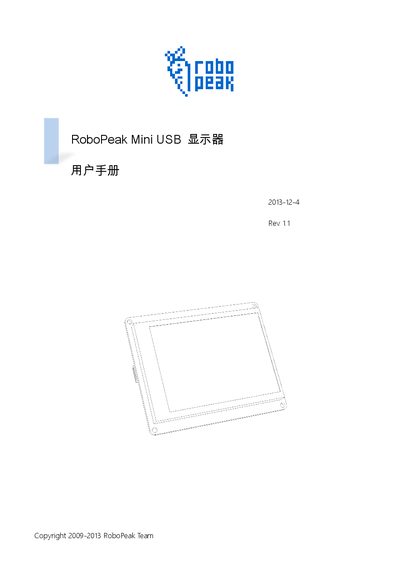
The RoboPeak Mini USB Display is a 2.8-inch QVGA resistive touchscreen designed to serve as a human-machine interface or additional screen for devices like Raspberry Pi, Cubieboard, and pcDuino. It connects directly via standard USB without requiring extra power or HDMI/VGA interfaces.
This guide covers typical application scenarios, basic usage including firmware flashing methods for different SoC architectures (AllWinner, Broadcom), advanced Linux driver installation using the ARM Suite toolset, and troubleshooting steps for common issues such as black screens or inaccurate touch calibration. This manual is written in Chinese.
The display may be black if it is not connected to any computer, the driver is installed but not used in an X Server or application, or the device itself is damaged.
You should follow the steps described in the 'Touch Screen Calibration' section of Chapter 3 to recalibrate the device.
You can refer to the full steps in the 'Uninstall Linux Driver' section of Chapter 4, which is effective only for drivers on a PC running Linux.