
This guide describes the basic preparation and setup of ESCON.
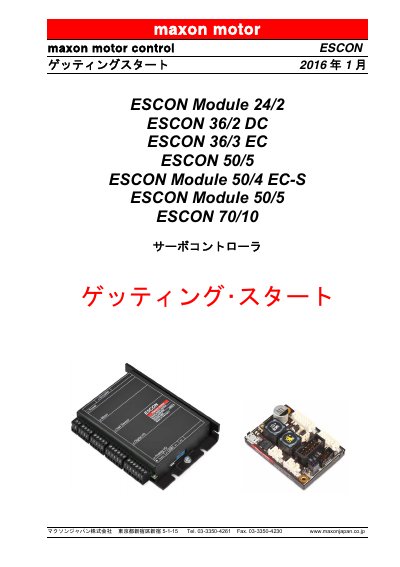
This is the Japanese Getting Started guide for the maxon ESCON servo controller family, including ESCON Module 24/2, ESCON 36/2 DC, ESCON 36/3 EC, ESCON 50/5, ESCON Module 50/4 EC-S, ESCON Module 50/5, and ESCON 70/10. It explains the first steps to start using an ESCON and the standard procedure up to operation, using ESCON 50/5 as the example.
The user installs ESCON Studio from www.maxonjapan.co.jp, connects the ESCON to a PC by USB, and runs the Startup Assistant to select the motor type, rotation sensor, operation mode, enable input, and setpoint source. The guide then covers EC and DC motor settings, a test run with diagnostics, and what to do if an error is detected. This manual is written in Japanese.
| External analog voltage command range | -10 V to +10 V |
|---|---|
| Internal potentiometer setting range | 0% to 100% |
| PWM duty cycle range | 10% to 90% |
| RC servo pulse width range | 1.0 ms to 2.0 ms |
ESCON Studio can be downloaded from http://www.maxonjapan.co.jp and installed on a PC following the installer instructions.
The setup steps use ESCON 50/5 as the example, and the same procedure applies to ESCON Module 24/2, ESCON Module 50/5, and ESCON 70/10.
No. At the USB connection step, the power supply, motor, and sensors do not yet need to be connected to the ESCON.