
This manual describes how to use the multifunction printer, including copying, printing, scanning and faxing.
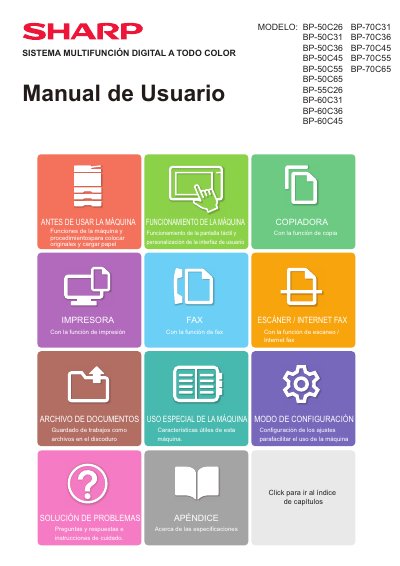
This user manual explains how to use the Sharp BP digital color multifunction system. It covers machine parts, paper loading, placing originals, peripheral devices, maintenance, and operation of scanning/Internet fax, fax, printing, and copying.
The manual also includes configuration settings, document filing, special-use features, specifications, and troubleshooting. Explanations assume Windows 10 and macOS 11 environments, and fax availability varies by country or region. This manual is written in Spanish.
| USB port | USB Type A, USB 2.0 (Hi-Speed) |
|---|---|
| Automatic document feeder | Scans both sides automatically; BP-55C26/BP-70C31/BP-70C36/BP-70C45/BP-70C55/BP-70C65 scan both sides at once |
The manual covers Sharp BP digital color multifunction systems, including BP-70C31, BP-70C36, BP-70C45, BP-70C55, and BP-70C65 among others.
No, the fax function is not available in some countries and regions.
The USB port is compatible with USB 2.0 (Hi-Speed).
Yes, it can scan both sides automatically, and some models scan both sides at once.