
CASIO PX-S3100 Digital Piano User Manual

CASIO PX-S3100 Digital Piano User Manual.
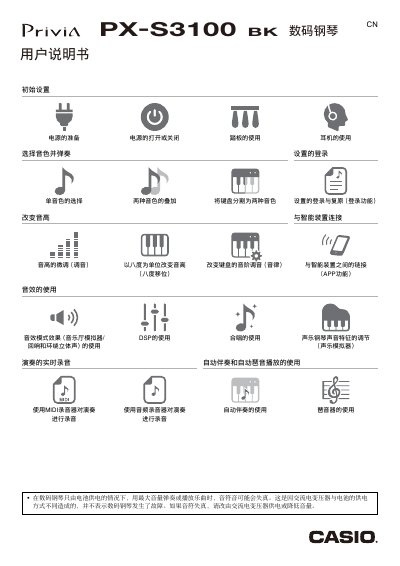

CASIO PX-S3100 Digital Piano User Manual - cover page
Brand
Casio
Category
Musical instruments
Document type
User Manual
Language
Chinese
Pages
96
File format
PDF
File size
6.7 MB
Published
16 November, 2023
Updated
16 November, 2023
MD5 checksum
56C45C9D8643C49B34CAC6612FC201D5

About this manual

This manual provides instructions for the CASIO PX-S3100 digital piano, including initial setup, power management, and basic operation. It details how to select sounds, use the touch panel, and manage volume and settings. This manual is written in Chinese.

What's inside

  • Overview and Parts
  • Power Preparation
  • Power On/Off
  • Sound Selection
  • Rhythm and Accompaniment
  • Connectivity (USB/Bluetooth)
  • Recording and Playback
  • Function Settings
  • Troubleshooting
  • Specifications

Frequently asked questions

What is the specific power adapter required for this digital piano?

The manual specifies using the AD-A12150LW power adapter, which meets JEITA standards.

How long does the piano stay in standby mode when powered by an AC adapter?

When powered by an AC adapter, the piano enters standby mode after 4 hours of no operation.

What happens to the piano's settings if the auto power off function is active?

If the auto power off function is active, all settings except the song will be initialized when the piano turns off.

Download PDF (6.7 MB)

More Casio Manuals


View all Casio manuals →