
This product has the HDMI CEC (Consumer Electronics Control) function, which allows you to use your TV remote control to turn it on and off and to adjust the volume of this product.
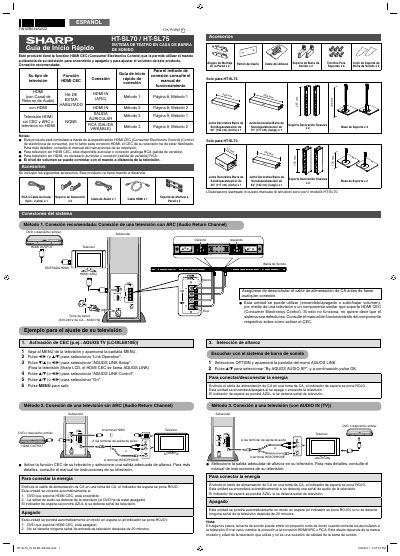
This document is a Quick Start Guide for the Sharp HT-SL70 and HT-SL75 Sound Bar Home Theater Systems. It provides instructions in Spanish for setting up the system with a television using the HDMI CEC (Consumer Electronics Control) feature, specifically mentioning the 'AQUOS LINK' function for Sharp TVs. The guide details how to enable control via the TV remote for power and volume adjustments. This manual is written in Spanish.
| Compatible Models | HT-SL70 / HT-SL75 |
|---|---|
| Power Input | 220-240 V AC ~ 50/60 Hz |
| Standby Indicator Color | Red |
| Signal Detected Indicator Color | Blue |
| Auto Standby Time | 20 minutes |
Enable the HDMI CEC function on your TV and select the appropriate speaker output.
Use an HDMI connection with the ARC (Audio Return Channel) function enabled.
You can use an earphone connection or an analog RCA connection (variable output).