
This manual describes the features and specifications of the THUMP12A and THUMP15A powered loudspeakers.
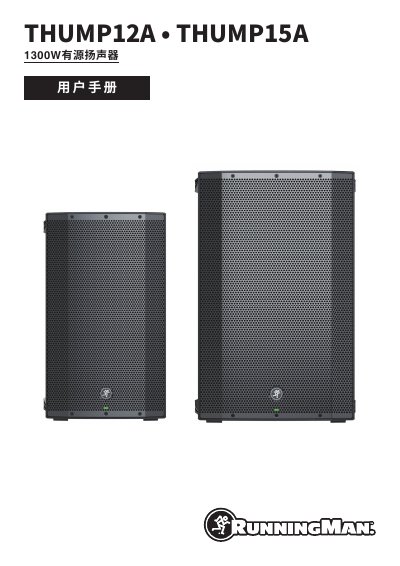
This Chinese-language user manual covers the Mackie THUMP12A and THUMP15A 1300W powered loudspeakers. It opens with important safety instructions and disposal/FCC notes, then presents features, an introduction, setup steps, and hookup diagrams that include a ProFX8v2 mixer and a THUMP18S subwoofer.
The rear-panel section explains the power connection and switch, XLR/1/4-inch combo inputs, gain and main knobs, Mix Out, Speaker Mode, and main/limit LEDs. Later sections cover protection circuits, maintenance and placement, service information, technical information, dimensions, frequency response, a block diagram, and the limited warranty. This manual is written in Chinese.
| Power rating | 1300 W high-quality dynamic peak power amplification |
|---|---|
| THUMP12A low-frequency driver | 12-inch low-frequency high-output driver |
| THUMP15A low-frequency driver | 15-inch low-frequency high-output driver |
| High-frequency driver | 1.4-inch titanium dome compression driver |
The manual lists 1300 W of high-quality dynamic peak power amplification.
Turn on the mixer or other signal source first, then the subwoofer, and finally the THUMP speaker.
It recommends Monitor mode for a THUMP12A monitor.
Set the gain knob to “mic” to give the microphone extra boost.