
This manual provides setup, operation, and safety instructions for the Mackie EM-USB condenser microphone, covering gain control, headphone monitoring, and…
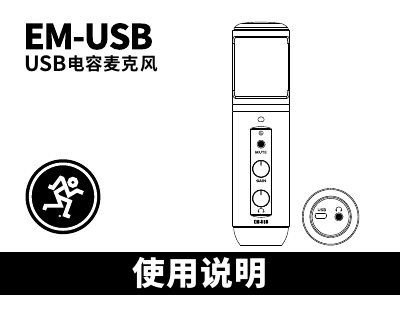
The Mackie EM-USB is a professional USB-C connected condenser microphone designed for home recording, streaming, podcasting, and online content creation. It features studio-quality audio with heart-shaped pickup patterns to reduce background noise. The device includes built-in controls for gain adjustment, muting the input, and independent headphone volume monitoring. This manual is written in Chinese.
| Frequency Response | 30 Hz-18kHz |
|---|---|
| Maximum Input SPL | 130 dB (@1kHz 1%THD) |
| Connector Type | USB-C |
| Compatible OS (PC) | Windows 7, 8.1, 10 |
| Compatible OS (Mac) | macOS (10.10 or higher) |
No, the microphone is plug-and-play and does not require drivers.
The mute switch closes the microphone input signal but allows you to still hear computer output through headphones.
Adjust the gain knob until the DAW input levels flash between green and yellow.