
This product is a music system that can be connected to an iPhone or iPod and has functions such as quick start, control and indicators, display, settings, use and battery replacement.
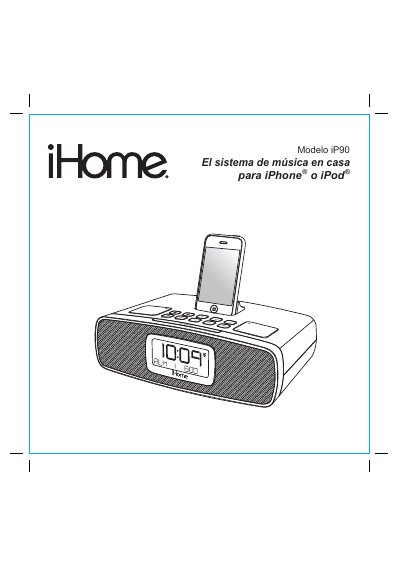
The iHome iP90 is a home music system for iPhone or iPod. This manual explains quick setup, controls and indicators, display information, configuration, and everyday use.
It also covers alarm setup, radio tuning and presets, time synchronization, Hotel mode, troubleshooting, battery replacement warnings, safety guidance, and maintenance. This manual is written in Spanish.
| Power input | 100-240 V AC |
|---|---|
| MW antenna placement | 30 cm away |
| Clock display modes | 12-hour or 24-hour |
| Alarm frequency options | 7 days, 5 weekdays, or 2 weekend days |
Hold the 12h/24h button to change between 12-hour and 24-hour display modes.
Hold the alarm button until the alarm time flashes, then use + or - to set the time, frequency, and sound source.
The iP90 defaults to the buzzer alarm.
Hold Clock adj/Time sync until “Time Sync” flashes, then wait for “Time Updated” or “Sync Failed”.