
iHome iBN26 Wireless Stereo Speaker System User Manual

This manual covers the setup, operation, and maintenance of the iHome iBN26 wireless stereo speaker system with NFC and Bluetooth capabilities.
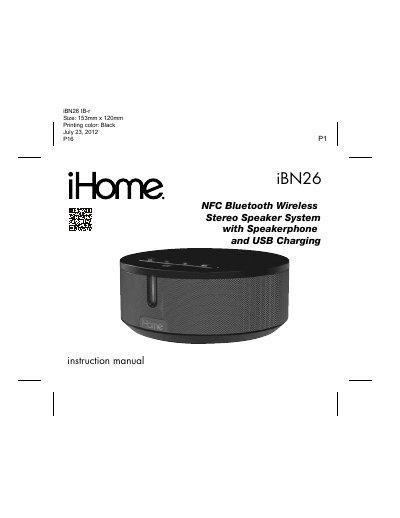

iHome iBN26 Wireless Stereo Speaker System User Manual - cover page
Brand
iHome
Category
Other Electronics
Document type
User Manual
Language
Chinese
Pages
16
File format
PDF
File size
646 KB
Published
08 November, 2026
Updated
08 November, 2026
MD5 checksum
1AF20940D982074787F803A7F7343A89

About this manual

The iHome iBN26 is a wireless stereo speaker system designed to provide high-quality sound for Bluetooth-enabled devices such as iPads, iPhones, iPods, and computers. It features NFC technology for instant pairing and manual Bluetooth pairing options. The unit also includes a speakerphone function and a USB port for charging compatible devices. This manual is written in Chinese.

What's inside

  • Introduction
  • Included Items
  • Setting Up the Unit
  • Using Bluetooth: Pairing Your Device Using NFC
  • Pairing Your Device using Bluetooth
  • Playing Audio Via Bluetooth
  • Using the Speakerphone feature
  • Playing Audio Via Aux line-in
  • Charging Via USB Port
  • Troubleshooting

Specifications

Dimensions153mm x 120mm
Power Input100V-240V universal AC adaptor
Power OutputDC 12V 1.5A
Bluetooth Rangeabout 30 feet

Frequently asked questions

How do I pair an NFC-enabled device with the iBN26?

Touch the NFC-enabled device against the antenna on top of the unit to instantly pair and play.

What is the default password for manual Bluetooth pairing?

The default password is 1234 if the device asks for one.

How do I turn the unit on and off?

Press the Power Button located on top of the unit to turn it on or off.

Download PDF (646 KB)

More iHome Manuals


View all iHome manuals →