
The iBT232 is a Bluetooth FM clock radio with USB charging function.
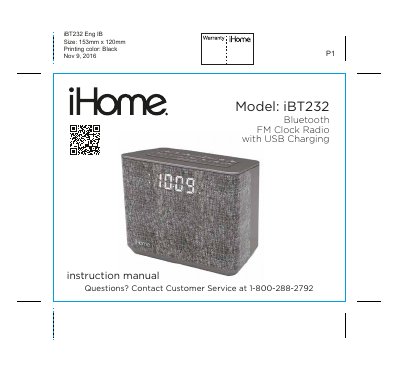
This document is the instruction manual for the iHome iBT232 Bluetooth FM Clock Radio with USB Charging. It provides guidance on setting up the unit, including connecting the AC adapter and installing backup batteries. The manual details how to set the clock, configure dual alarms with various wake-to sources (Bluetooth, FM radio, or tones), and manage display settings like brightness and snooze duration.
| Included Power Adapter | 100V-240V universal AC adapter |
|---|---|
| Included Backup Batteries | 2 AA batteries |
| Snooze Duration | 1 to 29 minutes |
| Sleep Mode Durations | 120, 90, 60, 30 or 15 minutes |
Yes, you can select Bluetooth, FM radio, or a selected tone as the wake-to source.
The iBT232 is a Bluetooth FM Clock Radio with USB Charging designed to provide high quality wireless sound for your Bluetooth audio device.
The unit measures 153mm x 120mm.
The "LO BATT" indicator will flash twice in the display when the unit is powered on.