
iP90 is the home system for your iPhone® or iPod®. You can play music through your speakers, control your iPod®, and display the time and battery charge
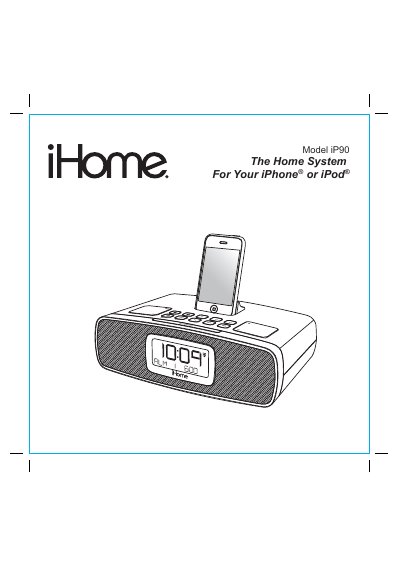
The iHome iP90 is a home system for iPhone and iPod that docks and charges the device, plays its music, and includes a clock, dual alarms and an AM/FM radio. The manual covers controls and indicators, the display, and the hotel switch on the bottom panel.
Setup instructions describe connecting the AC adaptor, setting the clock manually or with iPhone/iPod time sync, setting two alarms with wake-to sources, using snooze and the sure alarm, charging and listening to a docked iPhone/iPod, and tuning and storing radio presets. Maintenance, a product safety guide and troubleshooting are also included.
| Power input | 100-240 VAC wall socket via AC adaptor |
|---|---|
| Battery operation | Does not operate on batteries |
| Snooze timer range | 1 to 29 minutes |
| Alarm frequency options | 7 = whole week, 5 = weekdays, 2 = weekends only |
| Alarm sources | iPod (includes iPhone), Radio, Buzzer or Playlist |
| Preset memories | Up to 6 per band, with 6 additional after changing bands |
| Hotel switch positions | Normal, Hotel Low, Hotel Hi |
Press and hold the Clock Adjust button on the back until the display flashes, use + or - to set the time, year and date, pressing Clock Adjust after each.
Yes. Press the Clock Adjust/Time Sync button; "Time Updated" appears when sync completes, or "Sync Failed" if it does not.
Yes, while the unit is connected to AC power the docked iPhone/iPod recharges until fully charged.
If backup batteries are installed, the sure alarm feature makes the buzzer alarm still sound during a power failure.