
Apple iPhone/iPad iOS 5.x Email Account Setup User Manual

This manual describes how to set up an email account on an iPhone or iPad.
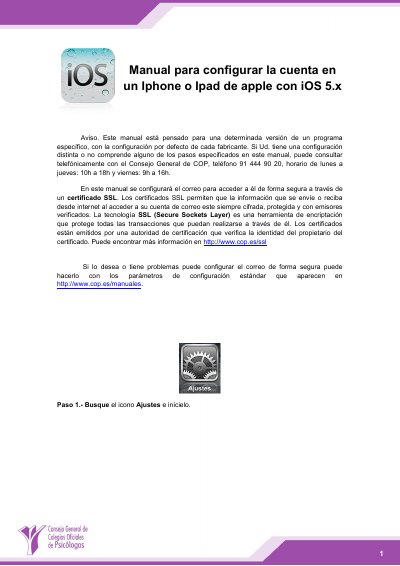

Apple iPhone/iPad iOS 5.x Email Account Setup User Manual - cover page
Brand
Apple
Category
Other Electronics
Document type
User Manual
Language
Spanish
Pages
7
File format
PDF
File size
1.2 MB
Published
16 November, 2023
Updated
16 November, 2023
MD5 checksum
C882570524C8B8E43FF6EB20BA14DB3E

About this manual

This Apple user manual explains how to configure an email account on an iPhone or iPad running iOS 5.x. It covers opening Settings, selecting Mail, contacts, calendars, adding an account, and choosing IMAP as the account type.

The guide also shows how to enter incoming and outgoing mail server details, verify the account, and optionally store sent, trash, and draft messages on the server using SSL for secure access. This manual is written in Spanish.

What's inside

  • SSL certificate secure email access
  • Adding an email account
  • IMAP account type selection
  • Incoming and outgoing mail server settings
  • Account verification
  • Mail and Notes service selection
  • Optional server folder configuration
  • Advanced mailbox settings
  • Sent, Trash, and Drafts folder setup

Specifications

Operating systemiOS 5.x
Incoming mail servermail.cop.es
Outgoing mail servermail.cop.es

Frequently asked questions

How do I add an email account on an iPhone or iPad?

Open Settings, select Mail, contacts, calendars, then tap Add account and choose Other.

What mail server should I use for incoming and outgoing email?

Use mail.cop.es as the host name for both the incoming and outgoing mail servers.

Can I keep sent, trash, and draft messages on the server?

Yes, use Advanced settings to select server folders for Sent, Trash, and Drafts.

Does this manual cover secure email access with SSL?

Yes, it explains configuring email securely through an SSL certificate so information sent or received is encrypted.

Download PDF (1.2 MB)

More Apple Manuals


View all Apple manuals →