
Phonak ComPilot HTC Bluetooth Pairing Guide

This document is about the Phonak ComPilot and HTC Bluetooth pairing guide.
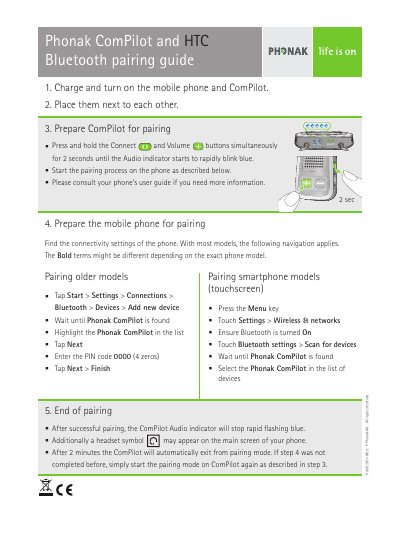

Phonak ComPilot HTC Bluetooth Pairing Guide - cover page
Brand
Phonak
Category
Headsets
Document type
Quick Start Guide
Language
English
Pages
1
File format
PDF
File size
1 MB
Published
16 November, 2023
Updated
16 November, 2023
MD5 checksum
645D17FAAD8068B99C5A1004991750D3

About this manual

Phonak ComPilot is a Bluetooth accessory that can be paired with HTC mobile phones. This guide explains how to charge and turn on the devices, place them near each other, put ComPilot into pairing mode, prepare the phone, and complete or end the pairing process.

What's inside

  • Charge and turn on the mobile phone and ComPilot
  • Prepare ComPilot for pairing
  • Prepare the mobile phone for pairing
  • Pairing older models
  • Pairing smartphone models (touchscreen)
  • End of pairing

Frequently asked questions

How do I put the Phonak ComPilot into pairing mode?

Press and hold the Connect and Volume buttons simultaneously for 2 seconds until the Audio indicator starts to rapidly blink blue.

What PIN code is required to pair the ComPilot with an HTC phone?

Enter the PIN code 0000 (4 zeros).

How long does the ComPilot remain in pairing mode before exiting automatically?

After 2 minutes the ComPilot will automatically exit from pairing mode.

Download PDF (1 MB)

More Phonak Manuals


View all Phonak manuals →