
The Apple Watch User Guide provides information on all aspects of the Apple Watch.
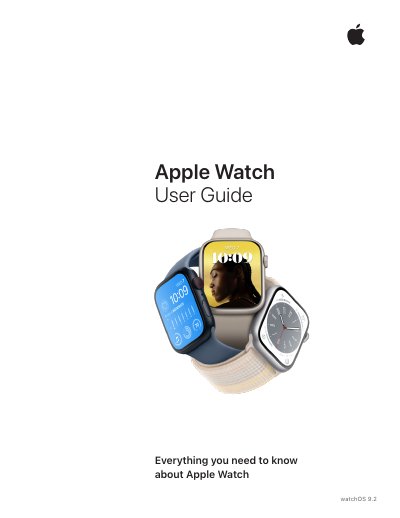
This user guide provides comprehensive instructions for Apple Watch Series 7 and other models compatible with watchOS 9.2, including Apple Watch Series 8, Apple Watch SE (2nd generation), and Apple Watch Series 6. It covers initial setup, pairing with iPhone, charging, and basic navigation using gestures and the Digital Crown.
The guide details health and fitness features such as Activity tracking, Heart Rate monitoring, Blood Oxygen measurement, ECG, Cycle Tracking, and Fall Detection. It also explains communication features like Messages, Phone, Walkie-Talkie, and Siri, as well as app management, watch face customization, Apple Pay, accessibility options, and maintenance procedures including software updates and device reset.
| Operating system | watchOS 9.2 |
|---|---|
| Ultra Wideband availability | Apple Watch Series 6, Series 7, and Series 8 |
| Charger separation distance | 20 cm (8 inches) |
| Battery type | Lithium-ion |
Update Apple Watch software through the Watch app on iPhone or directly on Apple Watch in Settings > General > Software Update.
The magnetic charger should be operated with a minimum separation distance of 20 cm (8 inches) between the equipment and a person's body.