
The Nordson Configuration Manager User Guide describes the features and functions of the Nordson Configuration Manager.
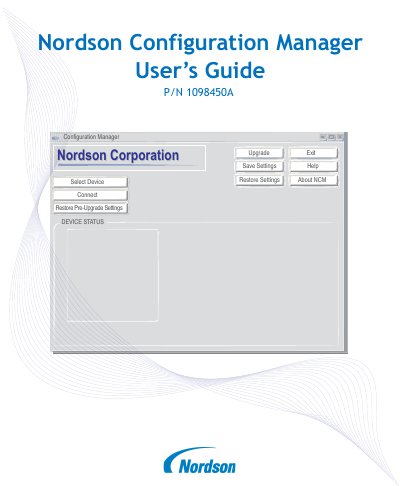
This user's guide covers the Nordson Configuration Manager (NCM) communication utility, including the NCM dialog box, device connection, and saving or restoring settings. It also explains firmware upgrade and restore procedures for supported Nordson equipment.
The guide gives installation steps for the LA404, LA404-2, and LA4400 pattern controllers; ProBlue and DuraBlue adhesive melters; the LogiComm gun driver; and the CBC5100 color barcode scanner. It lists system requirements and describes connecting each device to a PC.
| Supported equipment | LA404, LA4400, LA404-2 pattern controllers; DuraBlue and ProBlue adhesive melters; LogiComm gun driver; CBC5100 color barcode scanner |
|---|---|
| Operating system | Windows XP or 2000 |
| Computer ports | Serial port or USB port |
| Connection cable | Serial cable or USB cable, depending on the equipment |
| Communication ports | COM 1 − 4 |
| CBC5100 upgrade time | 6 − 12 minutes |
NCM supports LA404, LA4400, and LA404-2 pattern controllers; DuraBlue and ProBlue adhesive melters; the LogiComm gun driver; and the CBC5100 color barcode scanner.
You need a serial or USB cable and a PC with a serial or USB port running Windows XP or 2000.
Connect the serial cable (P/N 1034146) between the PC's communication port and the serial port on the pattern controller's rear panel.
The upgrade can take as long as 6 − 12 minutes.