
This document describes the ArcturusXT™ Laser Capture Microdissection System, which can be used to isolate cells of interest from tissue sections.
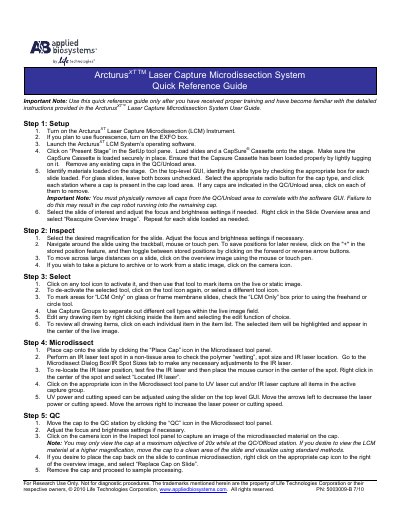
This quick reference guide provides condensed operating steps for the ArcturusXT Laser Capture Microdissection System. It is intended for use only after proper training and familiarity with the full User Guide.
The guide walks through five main steps: Setup (instrument power, software launch, slide and cassette loading), Inspect (magnification, navigation, image capture), Select (marking areas, capture groups, editing), Microdissect (cap placement, IR/UV laser operation, power adjustment), and QC (cap quality check, imaging, cap removal).
You may only view the cap at a maximum objective of 20x while at the QC/Offload station.
Test fire the IR laser, place the mouse cursor in the center of the spot, right-click and select 'Located IR laser'.
You must have received proper training and be familiar with the detailed instructions in the User Guide.