
Trimble Access 2012 User Guide

This guide introduces how to use Trimble Access 2012.
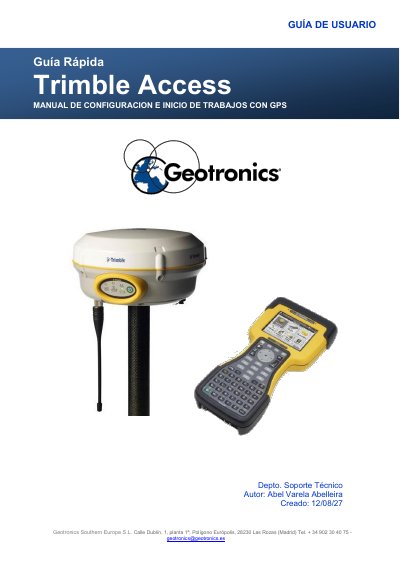

Trimble Access 2012 User Guide - cover page
Brand
Trimble
Category
Other Electronics
Document type
User Manual
Language
Spanish
Pages
8
File format
PDF
File size
1.2 MB
Published
15 November, 2023
Updated
15 November, 2023
MD5 checksum
8A16D87EF512895804F5AB9556893253

About this manual

This document is a Spanish user guide for the Trimble Access 2012 software, provided by Geotronics Southern Europe S.L. It serves as a quick start manual for configuring the software for field work with GPS receivers. This manual is written in Spanish.

What's inside

  • Configuraciones Iniciales
  • Configuración de un Estilo de Levantamiento
  • Topografía General
  • Configuración de un Trabajo Nuevo
  • Inicio de un Levantamiento RTK
  • Inicio de un Levantamiento de Postproceso
  • Librería de Códigos
  • Plantillas

Frequently asked questions

What surveying methods does the software support?

The software supports RTK, RTK & fill, RTK & data logging, Fast Static, and Cinematic PP surveying methods.

How do you start a new RTK survey?

To start an RTK survey, first measure the base receiver location and height, then select the option to measure points.

What file formats can be linked for coordinate data?

You can link coordinate files in (N,X,Y,Z,COD) format with .txt or .csv extensions.

Download PDF (1.2 MB)

More Trimble Manuals


View all Trimble manuals →