
This is a user manual for a multifunctional digital system. The system has copy, print, fax and scan functions.
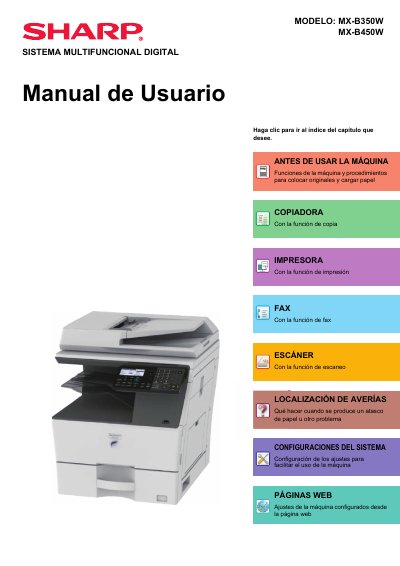
This is the Spanish-language user manual for the Sharp MX-B350W and MX-B450W digital multifunctional systems. It explains the machine's functions and procedures for placing originals and loading paper, with chapters covering the copier, printer, fax and scanner functions, troubleshooting such as paper jams, and system settings. The manual covers both models: the MX-B350W copies at 35 CPM and the MX-B450W at 45 CPM, and both include fax and wireless LAN functions.
The manual also describes the names and functions of the machine's parts, peripheral devices, the control panel and display, power connection and energy-saving modes, user authentication, loading paper in the trays and bypass tray, periodic maintenance such as cleaning and replacing the toner cartridge, and machine settings configured from web pages. It notes that the fax function is not available in some countries and regions, and that driver and software installation is covered separately in the Software Installation Guide. This manual is written in Spanish.
| Copy speed (MX-B350W) | 35 CPM |
|---|---|
| Copy speed (MX-B450W) | 45 CPM |
| Fax function | Yes (both models) |
| Wireless LAN | Yes (both models) |
| USB port | USB 2.0 (Hi-Speed) |
The manual states that the fax function is not available in some countries and regions.
Tray 2 is available when the optional 600-sheet paper feed unit is installed; the manual's explanations assume it is installed on the MX-B450W.
A USB device such as a USB memory device can be connected to the USB Type A port, which is compatible with USB 2.0 (Hi-Speed).
Information on installing the drivers and software mentioned in this manual is found in the Software Installation Guide.