
IBM Application Discovery for IBM Z is an Eclipse-based static code analysis solution that fast-tracks the discovery and analysis phases of System z/Enterprise Software work. It is used for application understanding and provides visualization of dependencies, flows, usage, and impacts.
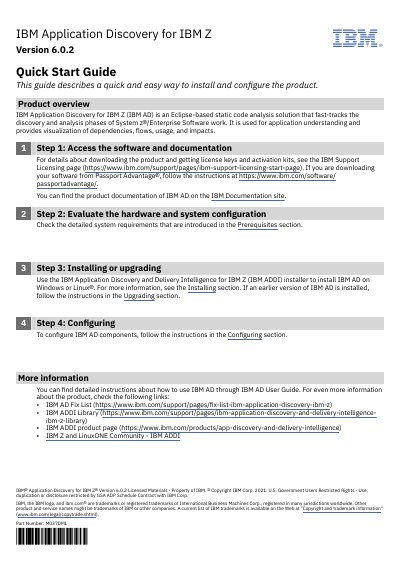
This IBM Quick Start Guide describes a quick and easy way to install and configure IBM Application Discovery for IBM Z (IBM AD) Version 6.0.2. IBM AD is described as an Eclipse-based static code analysis solution that fast-tracks the discovery and analysis phases of System z/Enterprise Software work, and is used for application understanding with visualization of dependencies, flows, usage, and impacts.
The guide walks through four steps: accessing the software and documentation, evaluating the hardware and system configuration, installing or upgrading with the IBM ADDI installer on Windows or Linux, and configuring the IBM AD components. It also points to the IBM AD User Guide and related IBM support and product pages for more information.
| Version | 6.0.2 |
|---|---|
| Supported operating systems | Windows or Linux |
| Installer | IBM Application Discovery and Delivery Intelligence for IBM Z (IBM ADDI) installer |
| Solution type | Eclipse-based static code analysis solution |
It is an Eclipse-based static code analysis solution that fast-tracks the discovery and analysis phases of System z/Enterprise Software work, used for application understanding with visualization of dependencies, flows, usage, and impacts.
The guide states that IBM AD is installed on Windows or Linux using the IBM ADDI installer.
The guide refers to the IBM Support Licensing page for downloading the product and getting license keys and activation kits.
The guide points to the IBM AD User Guide for detailed instructions about how to use IBM AD.