
Quick Maintenance Manual for IBM V7000 storage system covering status checks, power cycling, fault data collection, and software upgrades.
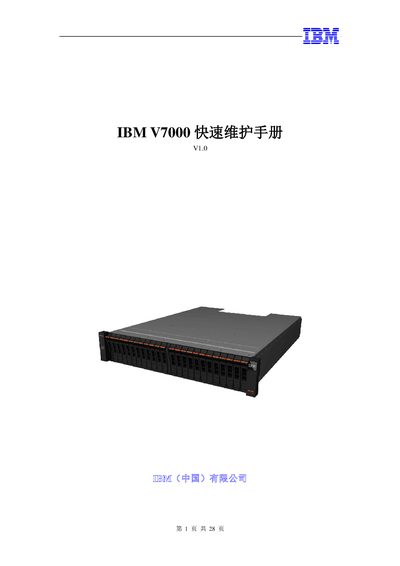
This manual provides IBM V7000 administrators with concise procedures for daily maintenance tasks. It explains how to check system status via the GUI, view software versions, and access the Service Assistant interface using the Service IP.
The guide also details power‑on/off sequences, fault data collection and upload methods, and step‑by‑step software upgrade instructions, including the use of the Upgrade Test Utility and expected upgrade durations. This manual is written in Chinese.
| Machine Type | 2076 |
|---|---|
| Head model 2076-112 | 12 x 3.5" drives |
| Head model 2076-312 | 12 x 3.5" drives, 10Gbps Ethernet |
| Head model 2076-124 | 24 x 2.5" drives |
| Head model 2076-324 | 24 x 2.5" drives, 10Gbps Ethernet |
| Expansion cabinet 2076-212 | 12 x 3.5" drives |
| Expansion cabinet 2076-224 | 24 x 2.5" drives |
The GUI supports Firefox 3.5+ and Internet Explorer 7+; Chrome and other browsers are not supported.
Enter https://