
Philips EasyKey Alpha series Alpha-VP-5HWS Smart Video Door Lock User manual
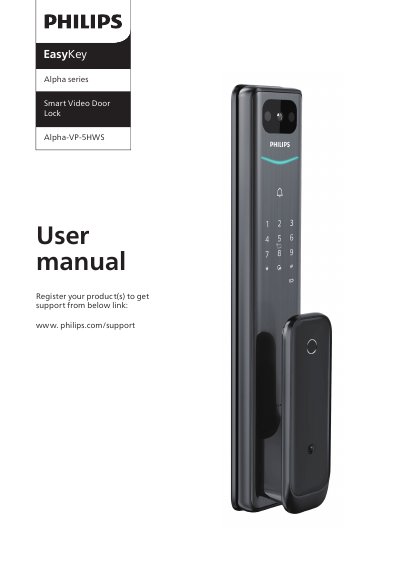
The Philips EasyKey Alpha-VP-5HWS is a smart video door lock. This user manual provides safety and disposal information, a packaging list and exploded views, installation instructions including latch bolt orientation and door thickness considerations, and an introduction to the front and rear escutcheon controls.
It explains setup with General mode and Dual verification mode, adding and deleting users, system settings and queries, unlocking and locking, the mechanical key, and other functions such as indoor infrared sensor unlock, outside forced lock, mute mode, doorbell, two-way video intercom, and screen. It also covers indicator meanings, troubleshooting, emergency charging with a 5V power bank, and lithium battery replacement.
| Battery | 5000 mA/h lithium battery |
|---|---|
| Default master PIN code | 12345678 |
| Default installation kit door thickness | 60-90 mm |
| Verification methods | PIN code, Key tag, and fingerprint |
| Charge cut-off voltage | 5 V |
| Emergency power | 5V power bank via micro USB |
The default master PIN code is 12345678.
You can power the door lock by plugging a 5V power bank into the micro USB. After unlocking the door, replace the battery immediately.
The default installation kit is applicable for a door thickness of 60-90mm.
It unlocks with a combination of two different verifications among PIN code, Key tag, and fingerprint.